For readers who live in Claude, ChatGPT or Gemini
Your assistant can add to your readlist. It cannot empty it.
Connect it once, then save links out of a conversation as they come up and read them later in a clean readlist. Your assistant can read that readlist back too — an article, its reader view, its summary — and mark one read or unread when you have got to it. Deleting stays in the app, on purpose.
OAuth 2.0 with PKCE. No client ID or secret to configure, and you can revoke access at any time.
How to connect it
One URL and a sign-in.
-
1
Paste one URL
https://readplace.com/mcp goes into your assistant's connector settings. Opening that same URL in a browser gives you the setup guide instead.
-
2
Sign in once
Sign-in uses OAuth 2.0 with PKCE, and the client registers itself, so there is no client ID or secret to copy. Your assistant never sees your password.
-
3
Ask it to save or recall things
Save a link mid-conversation, ask what is in your readlist, or pull an article's text or summary to talk about it.
What your assistant is writing into
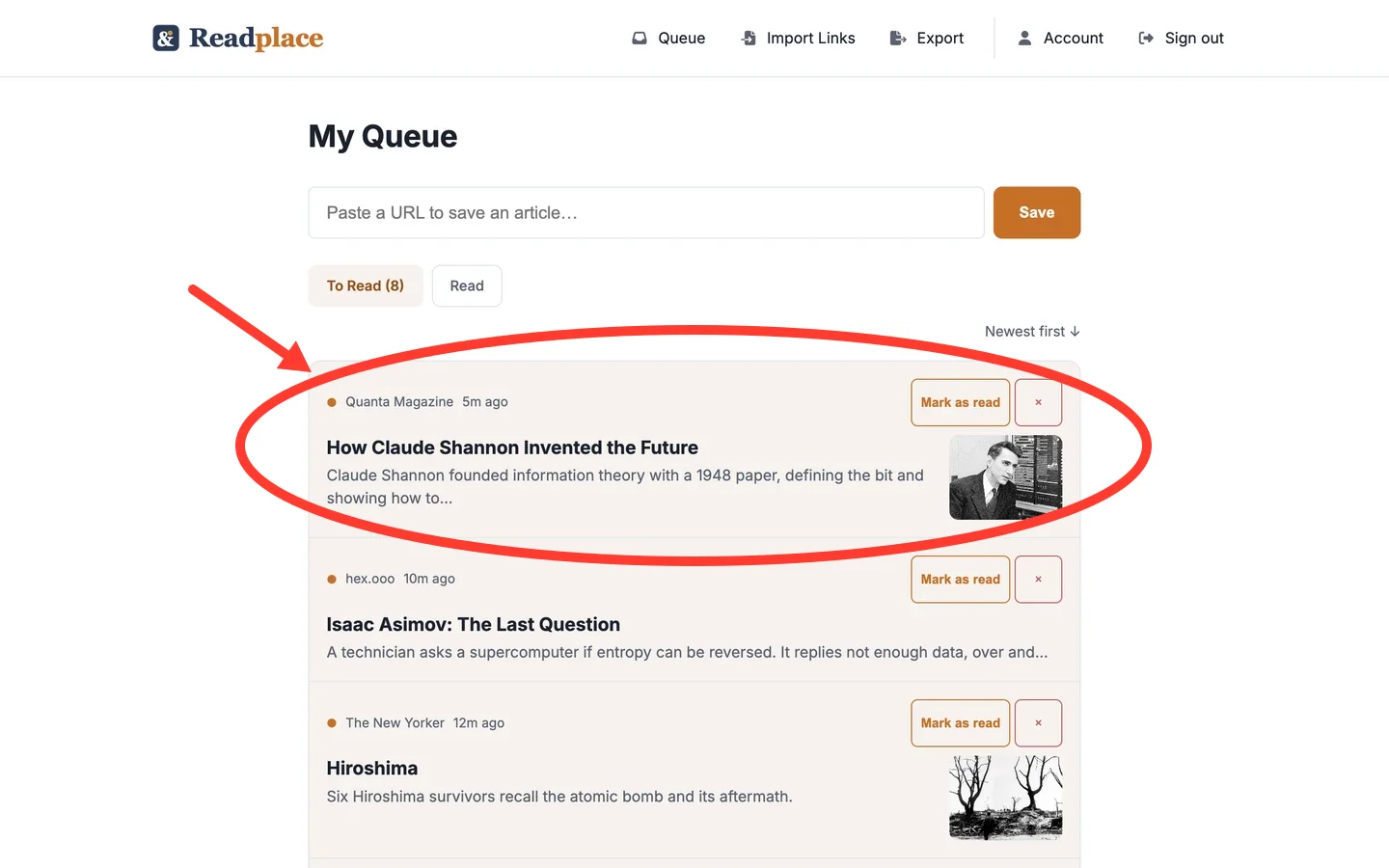
Fayner Brack, Founder & CEO of Readplace, wrote js-cookie, which browsers download about 22 billion times a year, and ran her own reading pipeline for ten years before it became Readplace. Why Readplace exists.
11 tools that act, 1 that refuses
The refusal is the design, not a gap in it.
11 tools do something: save a link, list your readlists and what is in them, create a readlist or file an article into one, pull an article's details, its reader view, its summary, or the articles related to it, and mark one read or unread.
One more — delete — exists only to tell your assistant to send you to the app. It returns without changing anything. An assistant that misreads a sentence can add a link to your readlist or mark one read; it cannot empty it.
That asymmetry is deliberate. A stray save costs you one line in a list, and a stray read mark costs you one sentence to undo. A stray delete costs you something you meant to read.
What this does not do
- Your assistant cannot delete anything. That one tool returns without acting and points you back to the app.
- Claude connects from its listing in the connector directory, so there is nothing to paste. ChatGPT installs the official Readplace plugin, so there is no connector to configure. Gemini connects free through the CLI; the Gemini app needs a Google AI Ultra subscription.
- A summary is a summary. Pulling a TL;DR is not the same as having read the piece.
- A link saved through the assistant starts as a placeholder and fills in as the crawler works, so the reader view is not there the instant it is saved.
Questions
- Which assistants work?
- Claude through its listing in the connector directory, added in one click. ChatGPT through the official Readplace plugin, added in one click. Gemini free through the CLI, or the Gemini app with a Google AI Ultra subscription.
- Can my assistant delete things from my readlist?
- No. Delete returns without acting and tells the assistant to send you to the app. It can save a link, create a readlist, file an article into one, and mark an article read or unread. Taking one out of the readlist is yours to do.
- What do I paste into the connector?
- https://readplace.com/mcp. Opening that same URL in a browser gives you the setup guide.
- Is there an API key to manage?
- No. Sign-in uses OAuth 2.0 with PKCE and the client registers itself, so there is no client ID or secret. You can revoke access at any time.
- What can it read?
- Your readlist listing, an article's details, its reader view text, and its summary.
- Do I need a credit card to start?
- No. Making the account starts a 14-day trial of the full product with no card at any point in it. After that you pick how often you pay: $10 billed monthly, $60 billed once a year, or $108 billed once every 3 years. Every one of them is the same whole product.
- What happens to the connection if I stop paying?
- It stays connected and goes read-only, the same as the account does in a browser. Your assistant can still list your readlist, pull an article, its reader view or its summary, and mark things read or unread as you work through them. Saving and readlist changes (creating a readlist, filing an article into one) stop, and each comes back with a note that the change is paused rather than an error.
What it costs
Connecting costs nothing. The readlist behind the connection is a subscription: 14 days free, no card. After that $3/month.
$3/month is the whole business. No ad path, no data resale, and nothing your assistant saves is sold to anyone.
If the subscription lapses, saving and readlist changes refuse. Your assistant can still list your readlist, pull an article's text or summary, and mark things read as you work through them. It cannot add anything new.
Google, Apple, or an email address. No card at any point in the trial.