For readers who'd rather read on e-ink
Read the web on your e-reader.
Paste a link and Readplace opens the article in a clean reader, with a Download EPUB button above it. The file carries the text, the images and an AI TL;DR ahead of the article. No account, no extension.
Paste an article link. The EPUB button appears once the text is ready.
From a link to a file
Three steps, and none of them needs an account.
-
1
Paste the link
Readplace fetches the page and pulls out the article, leaving the menus, ads and pop-ups behind.
-
2
Press Download EPUB
The button appears when the reader text is ready. The file is built from the current copy at that moment, so a page Readplace re-reads later downloads corrected.
-
3
Move it to the device
A Kobo, Boox or PocketBook takes the file over USB. A Kindle takes it through Amazon's Send to Kindle, by email or the app.
The text the file is built from
Fayner Brack, Founder & CEO of Readplace, wrote js-cookie, which browsers download about 22 billion times a year, and ran his own reading pipeline for ten years before it became Readplace. Why Readplace exists.
What goes in the file
An article, not a printout.
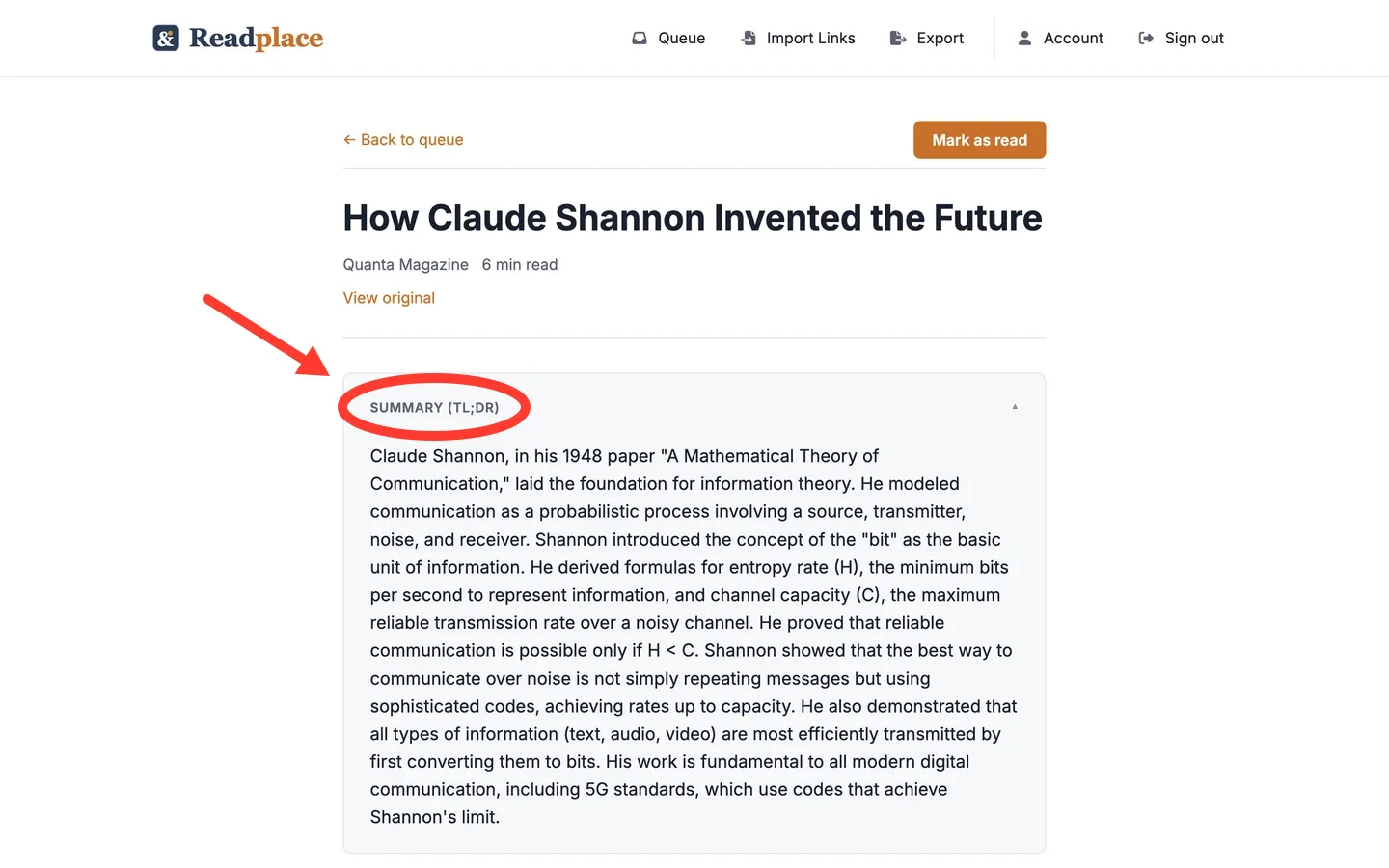
The EPUB opens with the article's title, the site it came from and its excerpt. If the AI TL;DR has been written by the time you press the button, it follows as its own section, ahead of the body.
Images are written into the file rather than linked, so they show on a device with no network. They share a size budget, and an image past it is left out, which keeps the file small enough to email. How the file is built.
A PDF link works too. Readplace reads the PDF into text first, so the EPUB reflows on a small screen. Reading a PDF on a phone has its own page.
What this does not do
- One article per file. There is no digest that bundles a readlist into one book.
- No automatic delivery. The file goes to the device by USB or by email, and nothing syncs back.
- Readplace makes EPUBs but doesn't read them in. Uploading an EPUB book isn't supported.
- A download in the first seconds after the text appears can come without the TL;DR, because the summary is written after the article is read.
- A page the crawler can't reach, such as one behind a login, has no reader text, so it has no EPUB either.
Questions
- Do I need an account?
- No. The Download EPUB button is on the public reader page, so any link you paste downloads without signing up.
- Does it work with a Kindle?
- Yes, through Amazon's Send to Kindle, which accepts EPUB by email or the app and converts it on the way in. Copying an EPUB onto a Kindle over USB doesn't work.
- Does it keep the images?
- Yes, written into the file, up to a size budget. An image past the budget is left out rather than making a file too big to email.
- Can I turn a whole readlist into one book?
- No. Each article is its own file.
- Can I turn a PDF into an EPUB?
- Yes, if the PDF has a link. Readplace reads it into text first, and the button builds the EPUB from that text.
- What happens if I stop paying?
- The account goes read-only, and every saved article can still be read, exported and downloaded as an EPUB.
What it costs to keep a library
Downloading an EPUB from a link you paste here costs nothing. Saving articles to a readlist is a subscription: 14 days free, no card. After that $3/month.
If you never subscribe, nothing is charged and the account goes read-only, not dark — you keep reading every article you saved, and you can still export.
Google, Apple, or an email address. No card at any point in the trial.
Try it on an article you meant to read
Paste a link, then press Download EPUB above the article. No account required.