For PDFs laid out for paper
A PDF that fits the screen.
Paste a link to a PDF and Readplace reads it into text that reflows in the same reader it uses for articles. No pinching, no sideways scrolling, and scanned pages are read from their pixels.
Paste a PDF link. No account, no app.
From a page to text
Three stages, and the result is ordinary text.
-
1
Every page is read as an image
Each page is rendered to an image and read by OCR, so a scan with no text layer works like any other PDF.
-
2
The text is tidied into paragraphs
Language-model passes fix OCR noise and turn the text into headings and paragraphs. A cleanup pass that changes any number is thrown away.
-
3
It opens in the reader
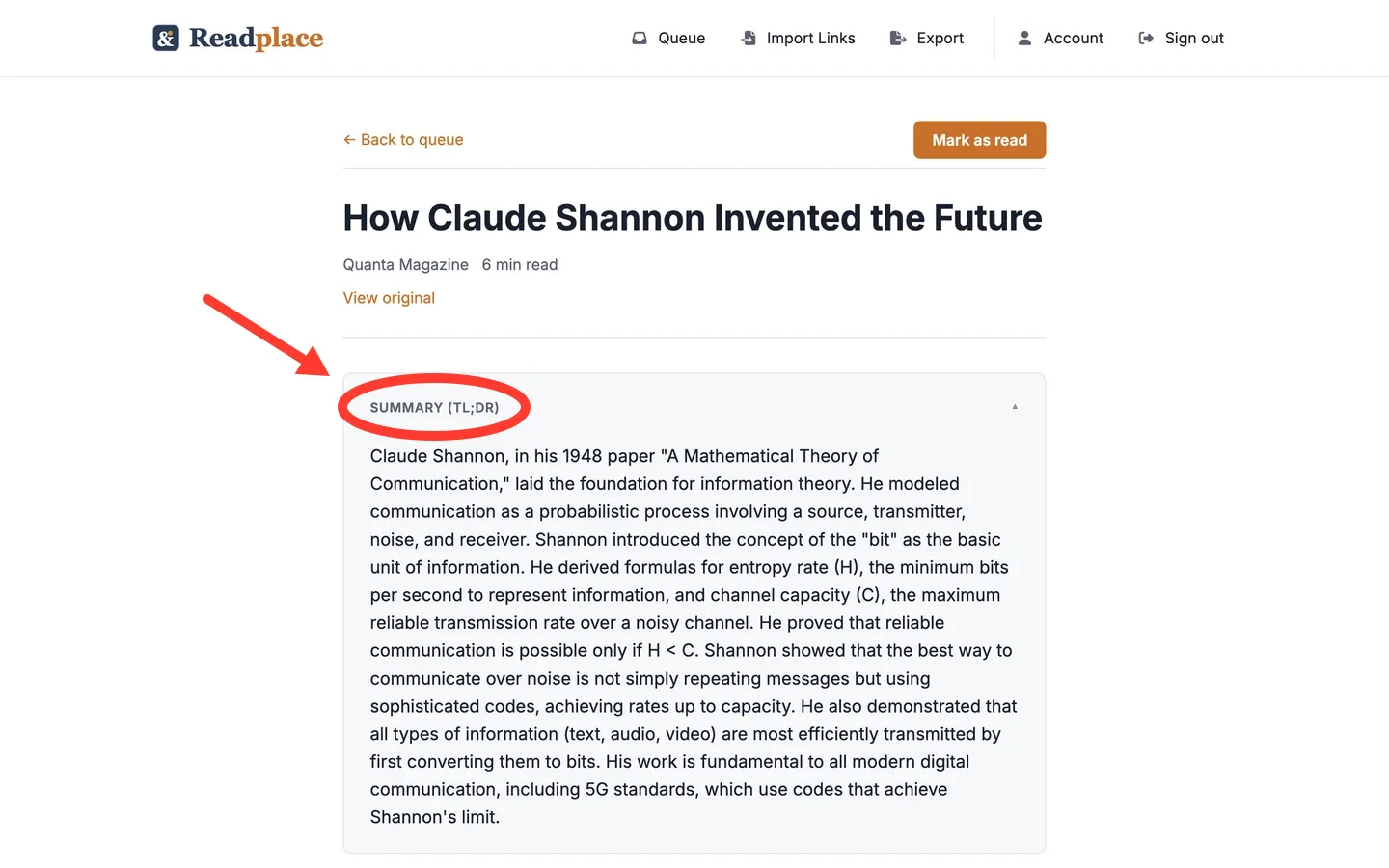
The text reflows to any screen width. A Download EPUB button builds an e-book file from the same text.
Where the text lands
Fayner Brack, Founder & CEO of Readplace, wrote js-cookie, which browsers download about 22 billion times a year, and ran his own reading pipeline for ten years before it became Readplace. Why Readplace exists.
Why the words can be trusted
Reflowing only helps if the text is right.
The two passes that touch the words are checked against the raw OCR output: the same runs of digits must come back, the length must stay within 30 percent, and the line structure must match. The pass that turns text into HTML is checked for how much text it dropped. A pass that fails is discarded and the rawer text is kept.
Scans are read in 15 scripts, each tested with one language: Arabic, Bengali, Chinese, English, Greek, Hebrew, Hindi, Japanese, Kannada, Korean, Malayalam, Russian, Tamil, Telugu, and Thai.
Saving a PDF from the open tab keeps it in your readlist. The PDF page goes through each check, and the EPUB page covers sending the text to an e-reader.
What this does not do
- Figures, charts and photos are not carried over. The result is the text on the page.
- PDFs up to 300 pages and 500 MB. Past either limit the file is rejected.
- A PDF behind a login can't be fetched from a pasted link. With an account, the browser extension saves one from the open tab.
- Extraction runs after the page opens, so a long PDF takes a few minutes to fill in.
- Non-numeric words can still change within the length and structure bounds.
Questions
- Is it free?
- Reading a PDF you paste here is free and needs no account. Saving PDFs to a readlist is a subscription that starts with a 14-day trial and no card.
- Does it work on scanned PDFs?
- Yes. Every page is read from its pixels, so a scan works the same way as a PDF with a text layer.
- What languages work?
- Scans in 15 scripts, each checked against a real scanned page in one language: Arabic, Bengali, Chinese, English, Greek, Hebrew, Hindi, Japanese, Kannada, Korean, Malayalam, Russian, Tamil, Telugu, and Thai. Other languages written in those scripts go through the same model, but only these were tested. Traditional Chinese is read with the Simplified model.
- Can I read it on a Kindle or Kobo?
- Yes. Press Download EPUB in the reader and the file carries the reflowed text.
- How big a PDF can I read?
- Up to 300 pages and 500 MB.
- What happens to my PDFs if I stop paying?
- You keep reading them. The account goes read-only: the readlist, the reader and export keep working. Saving new links and importing are what stop.
What it costs to keep them
Reading a PDF you paste here costs nothing. Keeping a library of them is a subscription: 14 days free, no card. After that $3/month.
If you never subscribe, nothing is charged and the account goes read-only, not dark — you keep reading every article you saved, and you can still export.
Google, Apple, or an email address. No card at any point in the trial.
Try it on a PDF you'd rather not pinch and zoom
Paste a PDF link and read the result. No account required.